Birthday Video Message: How to Make One and What to Say
Published 2026-10-22
Want to skip straight to it? Use the AI Hug Generator: The AI Hug Video Generator for Two Photos — two photos, a few minutes.
What Is a Birthday Video Message?
A birthday video message is a short video you send instead of, or alongside, a card: you on camera saying happy birthday, a compilation of friends wishing them well, or a short clip made from photos with your own words added. It works especially well when you cannot be there in person, and it is easy to keep and watch again.
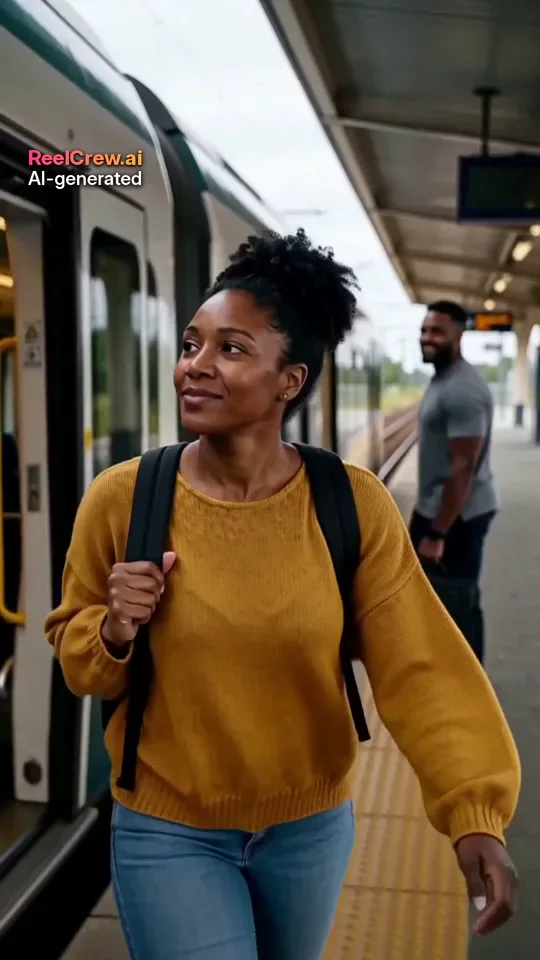
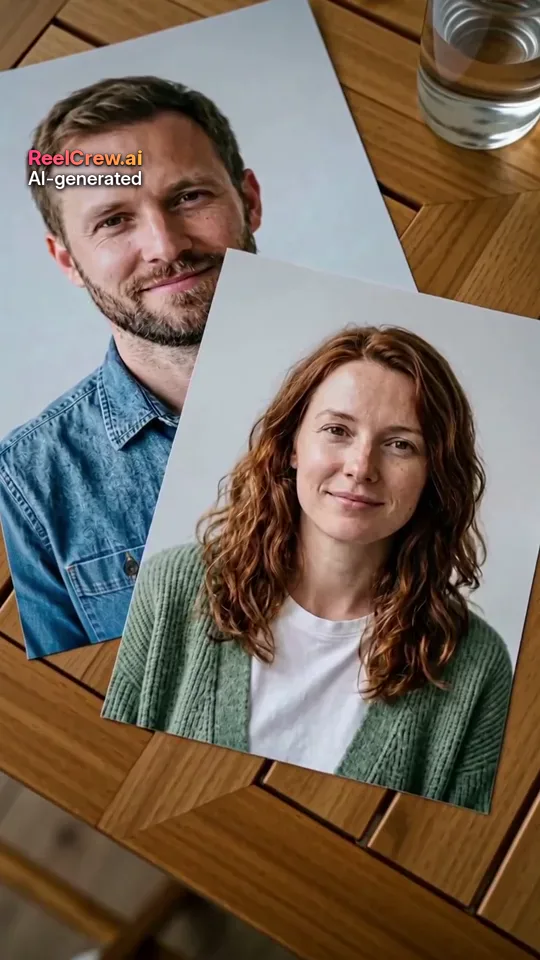
This guide covers the main kinds of birthday video message, what to say, how to make each one and where ReelCrew fits in. ReelCrew makes short AI clips from one or two photos; it does not record your voice or add text, so for a message you combine the clip with your own words. Every face in the example images on this page is AI-generated; we do not show real customers or their videos.
Four Kinds of Birthday Video Message
1. A selfie message. Record yourself on your phone saying happy birthday. It is the quickest and most personal option. Keep it under a minute, film in daylight facing a window, and hold the phone at eye level.
2. A group compilation. Ask friends and family to each record a few seconds, then put the clips together in a free editor. Collect them a week ahead; people always send theirs later than you hope.
3. A photo slideshow. Pick photos from over the years, add a song and a few words on screen. Free editors make this quick, and it suits milestone birthdays.
4. An AI clip from photos, plus your message. If you want something that moves but you have no video together, an AI template turns one or two photos into a short scene: a warm hug, the two of you as a couple, or a funny trend clip of the birthday person. You then send it with a written message or a voice note.
What to Say in a Birthday Video Message
Keep it short and specific. One memory or one reason you are grateful for them says more than a list of wishes. These lines are starting points; change them so they sound like you.
For a partner: “Happy birthday. I still think about the day we met, and I would choose you again every time.”
For a friend: “Happy birthday to the one person who always answers at two in the morning. Here is to another year of bad ideas together.”
For a parent: “Happy birthday, Mum. Thank you for everything you never made a fuss about.”
For a long-distance partner or friend: “I wish I could be there today. This is the next best thing; see you soon.”
For a milestone: name the number only if they are happy to, and mention one thing that made this year special.
A simple structure works for almost any birthday video message: a greeting with their name, one specific memory or quality, one wish for the year ahead, and a sign-off. Write it down before you record, read it aloud once, then record without the paper. If you are sending an AI clip, the same four parts fit neatly into a caption or a short voice note. Avoid inside jokes that the rest of a group chat will not understand, and avoid anything you would not want them to replay in a year.
How to Make a Birthday Video Message With an AI Clip
Step 1: choose a template. AI Hug suits friends and family; AI Couple or AI Kiss suit a partner; Tip Toe Dance and Giant Slime Bubble make a funny solo clip of the birthday person from one photo.
Step 2: upload the photo or photos. Use one person per photo, face clearly visible, in good light. Two-photo templates need one photo of each person; the photos do not need to be taken together.
Step 3: confirm that you have permission and press Generate. Most videos are ready in a few minutes. Sign in with Google to use your free daily credit for a watermarked 540×960 preview.
Step 4: if you like it, pay once for the full-quality 1080×1920 file; prices are on the pricing page. The clip is 12 seconds, vertical and comes with sound. A small “AI-generated” label stays on every video.
Step 5: add your message. The clip has no on-screen text, cake or “Happy Birthday” title, so send it with your words: a caption, a text sticker on Instagram or TikTok, or a voice note right after it in WhatsApp.
Birthday Video Message Ideas
Open a group message. Send the AI clip first in a group chat, then ask everyone to add a voice note or a line underneath.
Make it part of a countdown. Post one small thing a day for a week before the birthday and finish with the video message on the day.
Combine formats. Put the AI clip at the start of a selfie video or a slideshow, so the message opens with movement.
Send it at the right time. If you live in a different time zone, send it so it arrives when they wake up, or at midnight their time if you know they will be awake.
Keep a private and a public version. A hug clip with a short caption can go on a story; a longer, more personal message is often better sent privately.
Tips for a Better Birthday Video Message
Light matters more than the camera. Face a window or a lamp, not away from it. For an AI clip, the same applies to the photo you upload: a sharp, evenly lit face gives the best result.
Sound matters too. Record in a quiet room, close to the phone. If you add your own song when posting, turn the original sound down so your voice is clear.
Keep it short. Thirty to sixty seconds is enough for a selfie message; a 12-second clip plus a short caption is enough for a story.
Ask before you post. A funny clip is only funny if the birthday person likes it. Only upload photos of adults who agreed to it, and send it privately first if you are not sure.
Honest Limits of AI Birthday Clips
An AI clip is generated, not filmed. The scene comes from the template and the faces follow your photos as closely as the model can, but it may not look exactly like the person. Use it as a fun opener to your message, not as a replacement for your own words or a call on the day.
If the preview does not look right, try a sharper, front-facing photo first, then another template. You only pay if you decide to download the full-quality file.
Whichever kind of birthday video message you choose, the effort shows. A short selfie recorded with care, a group compilation that took a week to collect, or a playful AI clip sent with a heartfelt voice note all tell the birthday person the same thing: you thought about them on their day. Choose the format that fits your relationship and the time you have, and keep the message itself honest and personal.