How to Make a Couple Video From Two Photos
Published 2026-10-22
Want to skip straight to it? Use the AI Couple Video Generator — two photos, a few minutes.
How to Make a Couple Video From Two Photos: The Short Answer
You can make a couple video from two separate photos, one of each person, without a photo of the two of you together and without editing software. An AI template reads each face, places both people in one scene and animates them. This guide explains how it works, which photos to use, and the step-by-step process on ReelCrew, plus what to expect and what to avoid.
Every face in the example images on this page is AI-generated. We do not show real customers or their videos.
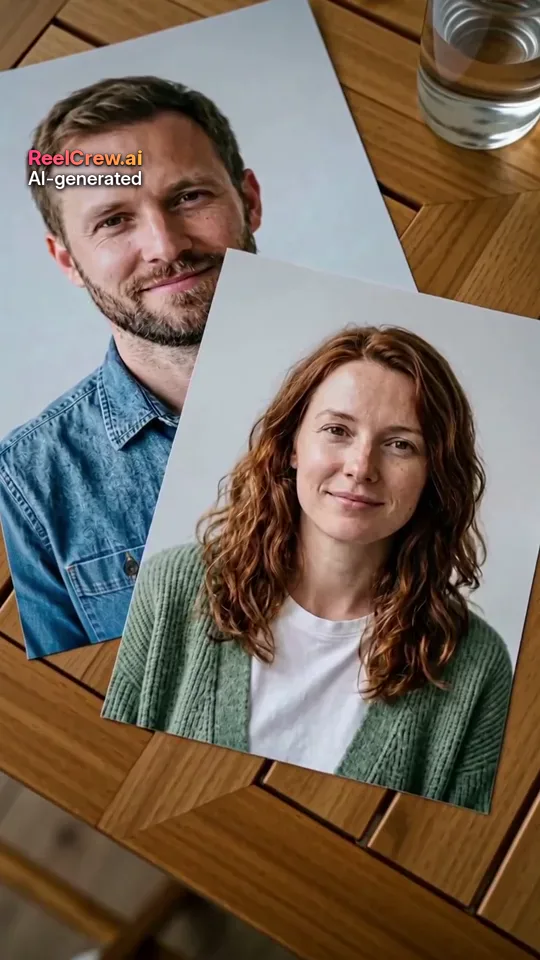
How a Couple Video From Two Photos Works
A photo-to-video model needs a reference for each person. When you upload two photos, the first is used for one person and the second for the other. The template then describes the scene: where the two of you are, what you do and how the camera moves. The model generates new video frames that follow both faces.
That has two consequences. First, the photos do not need to match. They can be taken years apart, in different cities, with different backgrounds; the background of your photos is not used. Second, the result is generated, not edited. The scene, clothes in some templates and the movement come from the AI, and the faces follow your photos as closely as the model can. It may not look exactly like you.
Which Couple Template to Choose
ReelCrew has several templates that take two photos. Each produces a 12-second vertical clip (1080×1920) with sound.
AI Couple shows the two of you side by side, cuddling or hugging. It is the most general couple video and a good first choice.
AI Romantic is about atmosphere: a slow dance, a sunset walk or a quiet moment.
AI Kiss makes a gentle kiss, and AI French Kiss a slower, more passionate one for adults.
AI Hug makes a warm hug; it also works for friends and family.
For an anniversary or a long-distance relationship, our occasion pages group the templates that fit best.
Choosing the Two Photos
The photos matter more than anything else. A sharp, well-lit face gives the model real detail to follow; a blurry or shadowed one forces it to guess, which is what makes faces look waxy or unlike the person.
Use one person per photo. Crop group photos or, better, use a photo where the person is alone. Keep the face clearly visible and roughly facing the camera, with nothing covering it: no sunglasses, masks, hands or hair over the eyes. Head-and-shoulders or waist-up framing works best for couple templates. Use good, even light, and avoid heavy beauty filters.
Try to match the two photos. Similar lighting, angle and image quality for both people give the most natural pair. If one photo is a bright outdoor selfie and the other a dim indoor shot, the result can look less natural.
Use the original photo where possible. Photos saved from chat apps or screenshots lose detail. ReelCrew resizes uploads to at most 1536 pixels on the long side, so a sharp photo matters more than a very large file.
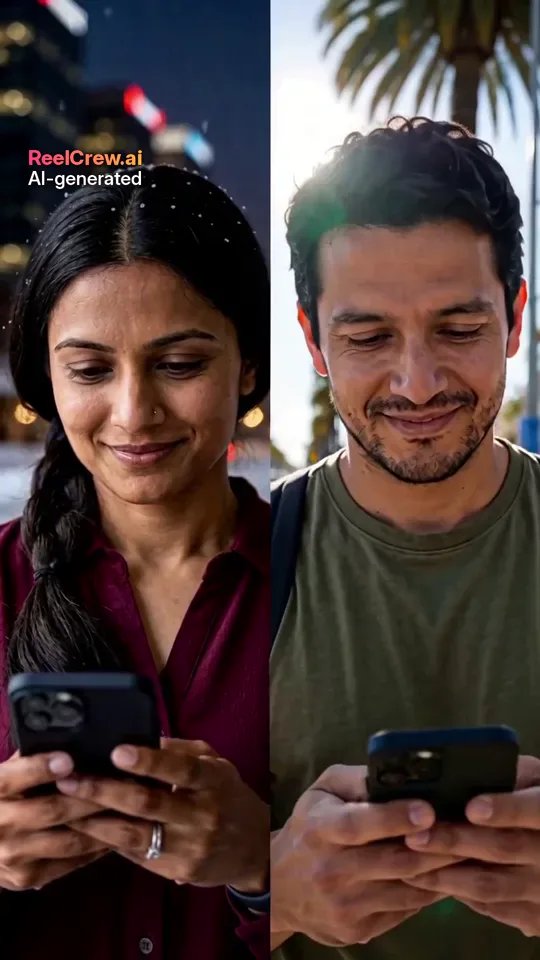
Step by Step: Make a Couple Video on ReelCrew
Step 1: open a couple template such as AI Couple, or start on the home page and choose the template there.
Step 2: upload one photo of the first person and one of the second. Both people must be adults who agreed to be in the video.
Step 3: confirm that you have permission and press Generate. Most videos are ready in a few minutes, and you can follow the progress on the result page.
Step 4: watch the preview. Sign in with Google to claim a free daily credit; one credit makes a complete preview at 540×960 with a watermark, so you can check the result before paying anything.
Step 5: if you like it, pay once to download the full-quality 1080×1920 file without the preview watermark. Current prices are on the pricing page. A small “AI-generated” label stays on every video, and the file’s metadata also marks it as AI-generated.
Posting Your Couple Video
The clip is vertical and 12 seconds long, so it fits TikTok, Instagram Reels, YouTube Shorts and Stories without cropping. It has no on-screen text and comes with sound already added. Add your own caption, date or text in the app when you post, and if you want a different song, add it there and turn the original sound down.
For a private moment, send the file directly in a chat instead of posting it. Ask your partner before you post a couple video publicly, especially a kiss.
Troubleshooting Common Problems
If a face does not look like the person, try a sharper, front-facing photo in even light. This fixes more problems than anything else.
If the two people look mismatched, for example one much brighter or blurrier than the other, choose two photos with more similar light and quality.
If the upload is rejected, check that each photo shows exactly one adult and that the face is visible. Do not upload photos of minors, celebrities or anyone who has not agreed.
If you are not happy with the preview, you have not paid anything yet. Try different photos or a different template.
Couple Video Ideas to Try
An anniversary post: use AI Romantic or AI Kiss with two recent photos, and add the date you met as the caption.
A long-distance countdown: make an AI Couple or AI Hug clip from two selfies taken in your two cities and post it on the day before you meet again.
A “first photo together”: if you never took a photo together, an AI Couple clip can be the first one, as long as you both agree to it.
A surprise message: send the clip privately with a short note instead of posting it. It takes a few minutes to make and still feels personal, because the photos are yours.
Privacy and Consent
Only upload photos of people who agreed to it. Your source photos are deleted after generation, and videos are deleted automatically after 30 days; you can ask for earlier deletion by email. Our privacy page has the details, including which service providers process the photos.
What a Couple Video From Two Photos Is Good For
A couple video from two photos is useful when you have no video of the two of you together: long-distance couples, couples with few shared photos, or an anniversary post that needs something new. It is a playful, sweet extra. It is not a recording of a real moment, and it should not be presented as one.
If you are making one for the first time, start simple: pick AI Couple, choose the two sharpest solo photos you have, and look at the free preview before deciding anything. Once you know how your photos come out, try AI Romantic or AI Kiss for a more specific mood. The same two photos work across all of the couple templates, so you only need to choose them once and can then compare the results side by side before you post or send anything.